
An MDAC passport error involving invalid characters, format mismatches, or airline data conflicts is resolved by resubmitting a new Malaysia Digital Arrival Card with corrected data. Submitted forms cannot be edited. Ensure your passport details match the Machine Readable Zone (MRZ) and airline booking records exactly. Last updated: September 2026. This informational guide is not affiliated with the Malaysian Immigration Department; always verify on the official MDAC portal.
What MDAC Passport Errors Look Like (and Why They Happen)
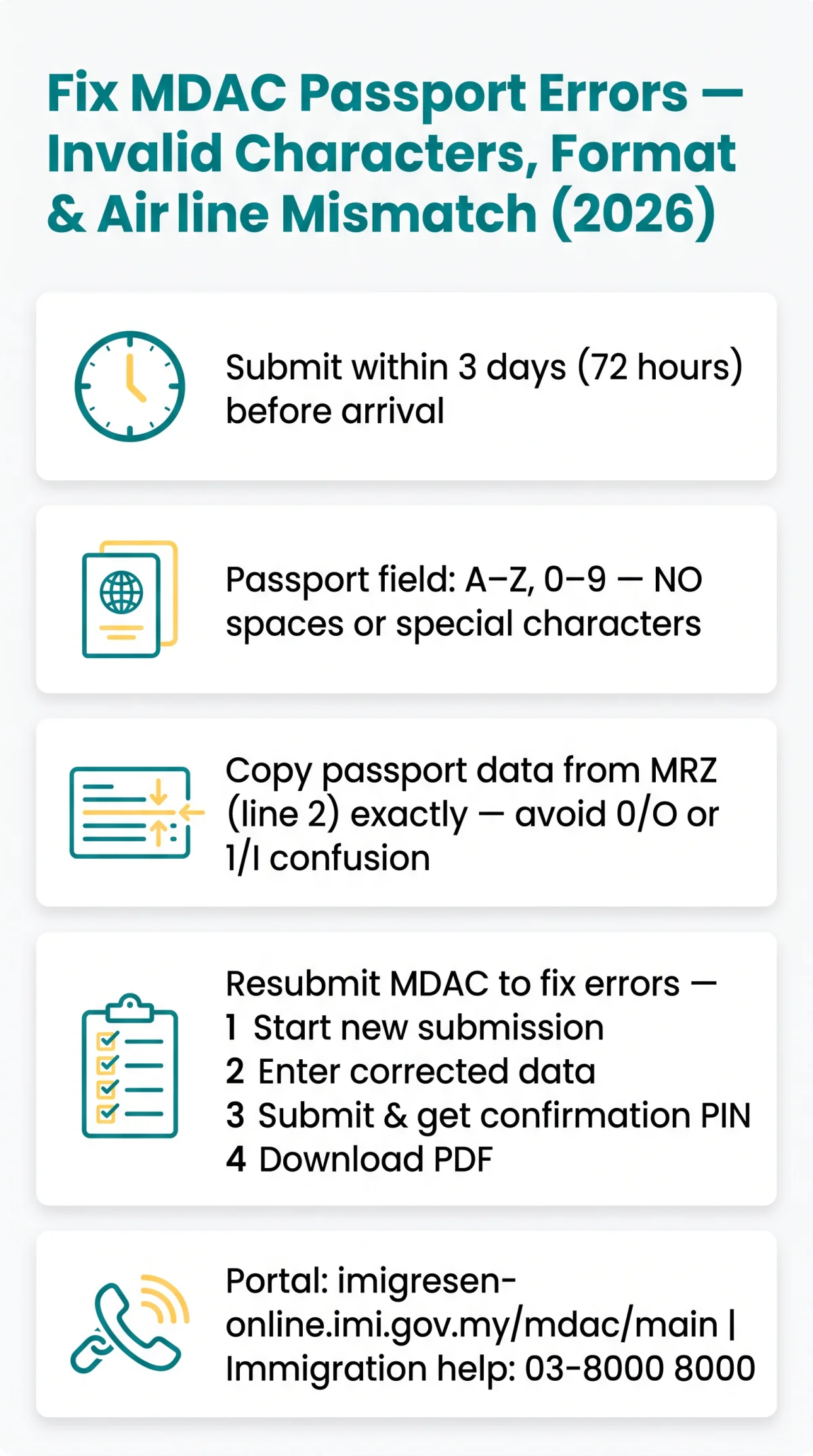
Three MDAC passport error types exist: invalid characters (spaces, @, #), format issues (wrong length, 0/O confusion), and airline data mismatches between MDAC and APIS records. The Malaysia Digital Arrival Card (MDAC) was introduced on 1 December 2023 and fully enforced from 1 January 2024. It is free, single-entry, and must be submitted within 3 days (72 hours) before arrival, with processing completed instantly or within a few hours.
Invalid Character Error Messages
The MDAC passport number field accepts only A-Z and 0-9. Spaces and special characters (@, #, &, /) trigger an error. Example: G12345678 ✅, G 1234 5678 ❌.
Passport Format and Alphanumeric Confusion
UK passports use 9 alphanumeric characters with no special characters. Entering the letter O instead of digit 0, or letter I instead of digit 1, causes an MDAC passport error. The Machine Readable Zone (MRZ) on line 2 of your passport data page is the authoritative source for correct entry.
Airline Data Mismatch
Malaysian immigration cross-references MDAC passport data against airline Advance Passenger Information System (APIS) records. Airlines transmit passport data to destination immigration before departure. Any discrepancy may trigger secondary inspection at arrival or possible boarding denial. Example: you renewed your passport after booking; your airline still holds the old number in APIS, but your MDAC uses the new one, triggering a mismatch.
How to Fix Passport Errors on Your MDAC Form
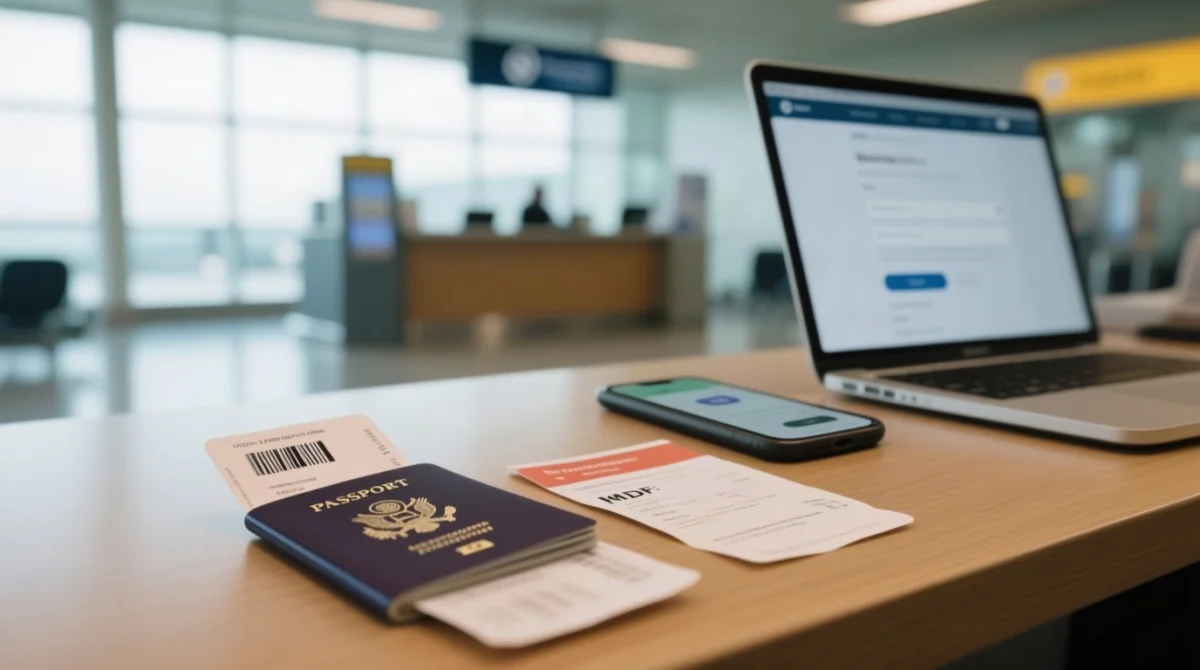
To fix any MDAC passport error, submit a new Malaysia Digital Arrival Card (MDAC) on the official portal with corrected data. Submitted forms cannot be edited or amended.
Start a new submission
Visit imigresen-online.imi.gov.my/mdac/main
Enter corrected data
Match the Machine Readable Zone (MRZ) exactly
Submit and wait
Receive a confirmation PIN via email
Download PDF
Previous submission is automatically superseded
At the airport, use the MyNIISe app (Malaysia National Integrated Immigration System) on iOS or Android, or complete MDAC at helpdesk kiosks.
Fixing an Airline Data Mismatch
Enter the passport you will present at immigration. If booked under an old passport, update APIS with the airline: British Airways (Manage My Booking), Malaysia Airlines (call centre), AirAsia (profile). Both MDAC and airline records must match.
Browser Autofill: A Hidden Cause of MDAC Errors
Chrome, Safari, and Firefox can silently insert stale passport data into Malaysia Digital Arrival Card (MDAC) fields without a visible warning. Use incognito or private browsing mode, clear each field manually before typing, and paste your passport number into a plain text editor first to check for hidden spaces.
Preventing Passport Errors Before You Submit
Cross-check your MDAC passport number, name, and expiry date against the MRZ before submission to avoid a passport data error on MDAC.
- Passport validity: minimum 6 months beyond arrival.
- Verify passport number against MRZ: alphanumeric only (A-Z, 0-9); no spaces or special characters.
- Match airline booking details: if you renewed your passport after booking, update the airline’s APIS record first so both MDAC and APIS data align.
- Enter arrival date, not departure date: the MDAC form asks for your arrival date in Malaysia.
- Save your confirmation PIN: check your email after submission to verify and download your MDAC PDF.
- Submit within the 3-day window: the portal rejects submissions made more than 3 days (72 hours) before arrival.
What If Nothing Works? Contacting Malaysia Immigration Support
Contact Malaysian Immigration: imi.gov.my or call 03-8000 8000 (MyGCC).
Persiaran Perdana, Presint 2, 62550 Putrajaya, MalaysiaAt KLIA Terminal 1 or Terminal 2, immigration helpdesks assist with on-the-spot MDAC completion. UK first-time visitors must register at the manual immigration counter. The MyNIISe app is an alternative tool for completing the Malaysia Digital Arrival Card (MDAC) on arrival. If the issue is an APIS mismatch rather than a form error, contact the airline’s check-in desk first, not immigration.
FAQ
What characters are not allowed in MDAC passport number fields?
MDAC passport field: only A-Z, 0-9. Spaces, hyphens, slashes, @, #, &, $ rejected. UK passports: 9 alphanumeric characters. Enter exactly as in MRZ.
Why does my MDAC say my passport doesn’t match airline data?
Malaysian immigration cross-references MDAC passport data against airline APIS records. If the passport number on your MDAC differs from what your airline has on file, a mismatch alert is triggered. This may cause secondary inspection at arrival, a gate-side flag, or possible boarding denial.
Can I edit my MDAC after submitting it with the wrong passport number?
No. The MDAC form cannot be edited after submission. Submit a new MDAC with the correct passport number on the portal at imigresen-online.imi.gov.my/mdac/main. Your earlier submission is automatically superseded. The MDAC is free, and processing is instant or within a few hours.
Does the MDAC form accept hyphens or apostrophes in the passport name field?
Enter your name exactly as printed on your passport biographical page. The form generally accepts standard Latin characters. If the system rejects a character, such as an apostrophe in O’Connor, try entering the name without the special character. Always match the MRZ to avoid a passport data error on MDAC.
How do I tell the difference between 0 (zero) and O (letter) in my passport number?
Check the MRZ on line 2 of your passport data page. In the MRZ, the digit zero is always printed as 0 and the letter O as O, which are visually distinct in the fixed-width MRZ font. UK passports use only digits, not the letter O, in the passport number.
Which passport should I enter on MDAC if I have dual citizenship?
Enter the passport you will physically present at Malaysian immigration. The MDAC system accepts only one passport number per submission. Do not enter both passports. If the flight was booked under a different passport, contact the airline to align APIS records before departure.
What happens if my passport was renewed right before my trip?
Submit a new MDAC with your new passport number. Your earlier submission with the old passport number is automatically voided. You must also update the airline APIS record to reflect the new passport. Both your MDAC and airline records must match the passport you carry.
Is an emergency or temporary passport accepted by the MDAC system?
Emergency or temporary passports may not be validated by the online system. If the portal rejects your document, contact the Immigration Department of Malaysia at 03-8000 8000. Alternatively, complete the MDAC at the airport via the MyNIISe app or at the KLIA helpdesk kiosks upon arrival.
How do I check my MDAC status after correcting my passport number?
After resubmitting, check your email for a confirmation PIN. Use the PIN on the MDAC portal to verify your submission status and download the PDF confirmation. Processing time is instant or within a few hours. Ensure you submit within the 3-day window before your arrival date.